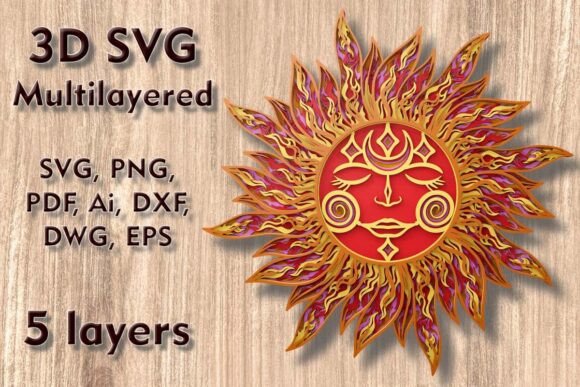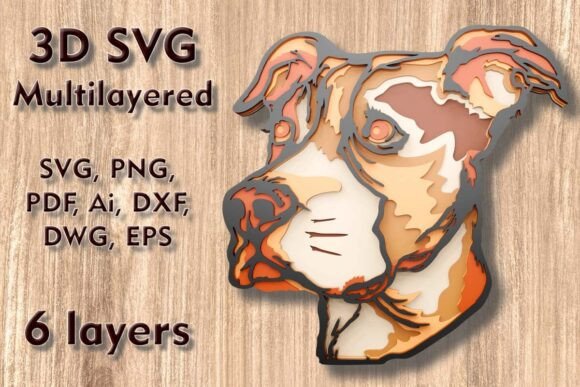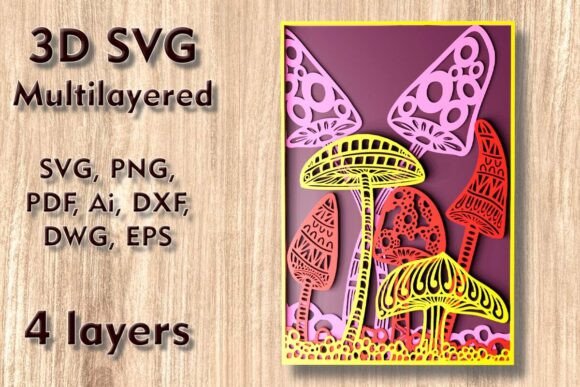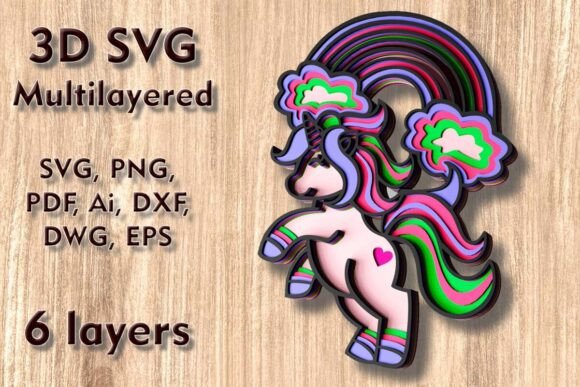
Creating Stunning Wall Art with Flowers 3D SVG Multilayer Cutting Files
In the evolving world of digital crafting, the demand for depth, texture, and visual complexity has never been higher. Flat designs, while classic, often fail to capture the eye in the same way that dimensional art does. This is where Flowers 3D SVG Multilayer Cutting Files become an invaluable resource for makers, designers, and hobbyists alike. These files are not just simple vector images; they are comprehensive blueprints for creating intricate, shadow-box-style floral arrangements that pop off the wall. Whether you are looking to refresh your home decor, create a unique gift, or expand your product line for a small business, understanding how to leverage these multilayered designs can transform your creative output.
Understanding the Design Structure
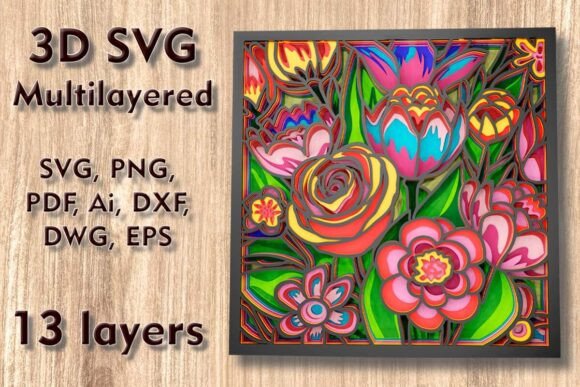
At its core, this specific design, often referred to as a "Flowers Mundala Svg," is a sophisticated assembly of thirteen distinct layers. Each layer represents a different depth plane of the flower, ranging from the background base to the delicate foreground petals. The precision required to make these layers align perfectly is built directly into the file structure. When assembled, these layers create a realistic sense of three-dimensionality, mimicking the natural overlap and shading found in real botanical specimens.
The standard dimensions for this design are set at 300 mm height by 300 mm width (approximately 11.8 x 11.8 inches). This size is strategically chosen because it is large enough to serve as a standalone statement piece for wall decor, yet compact enough to fit within the cutting beds of most consumer-grade machines. However, one of the greatest advantages of using vector-based formats like SVG, DXF, and AI is scalability. You can easily increase the size of the design to create a massive focal point for a living room or entryway without losing resolution or cut quality.
It is crucial, however, to exercise caution when reducing the size of the design. Because the artwork consists of thin, delicate elements—such as petal tips and intricate mandala details—shrinking the file too much can result in pieces that are too fragile to handle or too small for your machine’s blade or laser beam to cut accurately. If you must scale down, consider simplifying the material choice or accepting that some finer details may need to be weeded out manually with extreme care.
Material Versatility and Selection
One of the standout features of Flowers 3D SVG Multilayer Cutting Files is their adaptability to a wide range of materials. The file package is optimized for use with Plywood, Paper, Cardstock, MDF, Wood, Acrylic, Cardboard, and even Aluminum. The choice of material dramatically alters the final aesthetic and the structural integrity of the piece.
- Paper and Cardstock: Ideal for beginners or those creating greeting cards and smaller gifts. Paper allows for easy layering with foam adhesive squares, creating significant depth with minimal weight. It is also cost-effective for prototyping your assembly process before committing to expensive materials.
- Plywood and MDF: These woods provide a rustic, warm, and durable finish, perfect for permanent home decor. Laser cutting wood produces clean edges with a slight char, which can add a desirable contrast between layers. Ensure you use thin plywood (typically 3mm or less) to maintain the delicate nature of the floral elements.
- Acrylic: For a modern, sleek look, acrylic offers transparency and gloss. Layering different colors or opacities of acrylic can create stunning light-refracting effects, especially when backlit.
- Aluminum: Advanced users with CNC capabilities can cut these files from thin aluminum sheets for an industrial, metallic finish that is incredibly durable and weather-resistant.
Compatibility with Cutting Machines
Whether you are a Cricut enthusiast, a Silhouette artist, or a professional using a Glowforge laser cutter or CNC router, these files are designed to integrate seamlessly into your workflow. Upon purchase, you receive a ZIP folder containing a comprehensive suite of file formats: SVG, layered SVG, DXF, DWG, EPS, AI, PNG, and PDF. This variety ensures that no matter what software or hardware you use, you have the correct file type ready to go.
For die-cutting machines like the Cricut Maker or Silhouette Cameo, the layered SVG files are particularly useful. They allow you to import the design directly into design software (such as Cricut Design Space or Silhouette Studio) with each layer already separated and color-coded. This saves hours of manual separation work. For laser and CNC users, the DXF and DWG files provide the precise vector paths needed for accurate cutting, engraving, or milling. The inclusion of PDF and PNG files also allows for easy previewing and printing of reference guides to help you during the assembly phase.
Practical Applications and Creative Outcomes
The versatility of Flowers 3D SVG Multilayer Cutting Files opens the door to numerous practical applications. The most popular use is undoubtedly home wall decor. A 12-inch floral mandala made from layered wood or paper adds texture and warmth to any room. It serves as an excellent conversation starter and can be customized to match any interior design scheme by painting the layers or selecting specific wood stains.
Beyond wall art, these designs are perfect for creating high-end greeting cards and invitations. By scaling down the design and using high-quality cardstock, you can produce luxurious, tactile cards for weddings, birthdays, or anniversaries. The 3D effect makes the recipient feel valued, as the effort involved in creating such a piece is visibly apparent.
For entrepreneurs, these files offer a pathway to creating unique gift items and merchandise. Framed 3D flowers sell well at craft fairs and online marketplaces. You can experiment with different color palettes for seasonal collections—pastels for spring, rich reds and greens for holidays, or monochromatic schemes for modern minimalist buyers.
Tips for Successful Assembly
Creating a 13-layer design requires patience and precision. Here are some recommendations to ensure your project succeeds:
- Label Your Layers: Before you begin cutting, ensure you have a system for labeling each layer. The included PDF or PNG reference images can serve as a guide, but marking the back of each physical piece with a pencil can prevent confusion during assembly.
- Choose the Right Adhesive: For paper and cardstock, double-sided foam tape is essential to create the necessary gap between layers for the 3D effect. For wood and acrylic, a strong clear-drying craft glue or epoxy works best. Apply adhesive sparingly to avoid oozing, which can ruin the clean lines of the design.
- Test Cut First: Always perform a test cut on a scrap piece of your chosen material. This allows you to verify that your machine’s settings (blade depth, speed, pressure, or laser power) are correct for the intricate details of the flower petals.
- Work from Background to Foreground: Assemble the layers in order, starting with the largest base layer and working your way up to the smallest, most detailed top layer. This ensures proper alignment and prevents damage to the delicate upper layers while handling the larger base pieces.
Conclusion
Unlocking the magic of seasonal and perennial decor is easier than ever with high-quality digital assets. Flowers 3D SVG Multilayer Cutting Files provide a bridge between digital precision and tangible beauty. By offering a robust 13-layer design that is compatible with a vast array of machines and materials, this resource empowers creators to produce enchanting home wall decor, heartfelt gifts, and professional-grade crafts. Whether you are upgrading your crafting portfolio or simply looking for a rewarding weekend project, these files offer the tools you need to transform flat materials into captivating three-dimensional wonders. Embrace the complexity, respect the delicate details, and let your creativity bloom through every layer.